Track Shift Adherence Automatically Across Your Entire Agent Floor
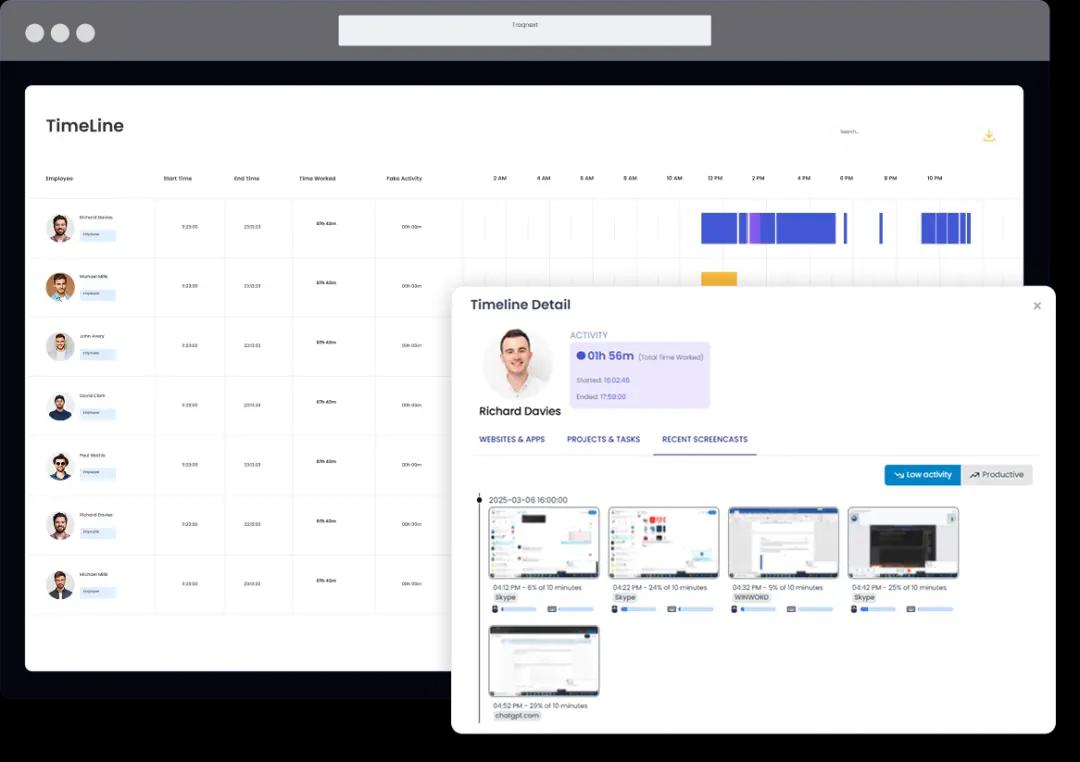
- View every agent's shift breakdown — working time, idle time, manual time, and break time — in the Timeline view, updated continuously throughout the day.
- Centralise attendance records, leave approvals, and manual time adjustments across all shifts and time zones with the Time & Attendance module — no HR back-and-forth required.
- Agents receive an automatic notification if tracking stops unexpectedly during a shift — so missed sessions are flagged and resolved the same day, not discovered at payroll.
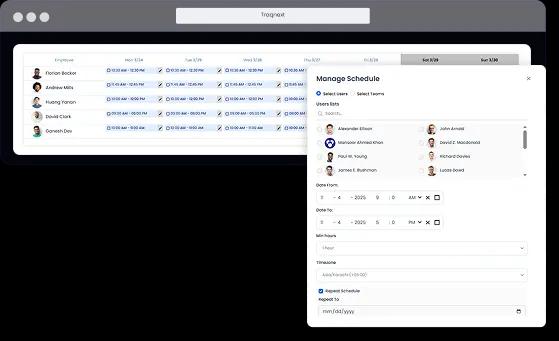
Know Who Is Available, On Break, or Offline — Right Now
- See each agent's productivity percentage alongside the apps and websites used during shift hours with the Activity Monitoring view — so team leads can distinguish real support work from unplanned personal browsing.
- Monitor remote and distributed BPO agents with the same visibility as in-office teams — no physical presence needed to manage availability across multiple time zones.
- Use User & Team Management to organise agents by team, shift, or client account — making it easy to filter availability by group and act quickly when coverage gaps appear.
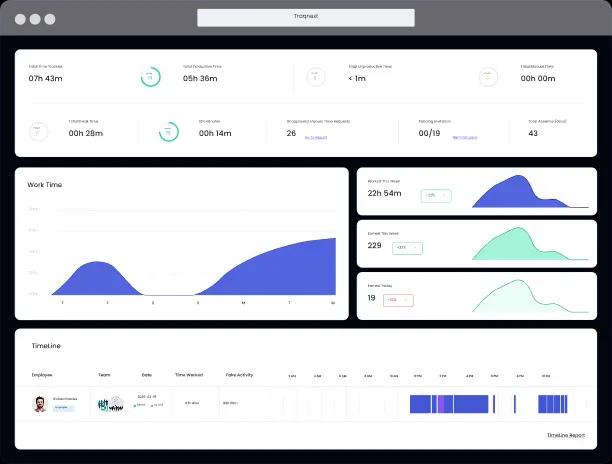
Detect Idle Time During Shift Hours and Protect Your SLA Targets
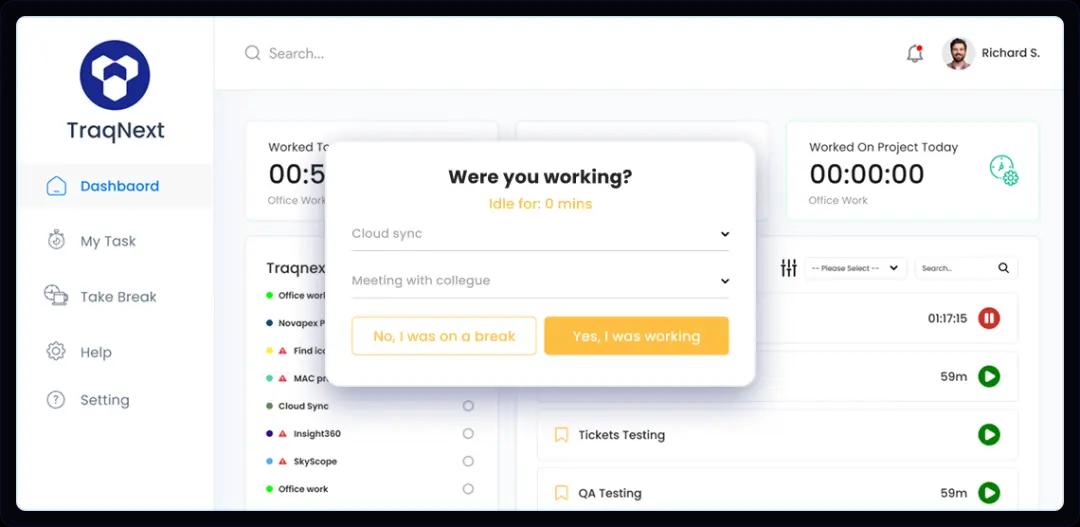
- Identify idle time from mouse and keyboard inactivity during tracked sessions, with per-agent, per-shift reports showing the exact minutes lost — no estimates, no guesswork.
- Use Anomaly Detection to automatically surface unusual patterns across your agent base — such as recurring idle spikes on specific days or productivity drops following certain shift transitions.
- Monitor agent wellbeing over time with Predictive Burnout Analysis — tracking fatigue signals from multiple dimensions so you can intervene before burnout drives attrition.
Automate Attendance Reports and Eliminate Payroll Errors
- Access exportable work time, break time, idle time, and overtime records for every agent through the Insights & Reporting module — ready for client billing, compliance audits, or internal reviews.
- Set project-level and employee-level billing rates so tracked agent hours automatically calculate project costs — making BPO invoicing accurate and repeatable without manual calculation.
- Automate payroll calculations directly from tracked hours — removing the manual data-transfer step that introduces errors and delays in most contact center payroll runs.

How Call Center Time Tracking Works
The data syncs immediately to the web dashboard, giving ops managers a real-time picture of every agent across every shift. For enterprise BPOs with strict IT governance requirements, TraqNext is available as a full on-premises deployment — keeping sensitive workforce data within your own infrastructure.
The platform is GDPR-aligned by design and supports white-labelling for BPOs that deliver productivity reporting to their own clients. Setup takes minutes, tracking data syncs immediately, and dedicated implementation support is available for enterprise teams.
Frequently Asked Questions
How does TraqNext track time across shifts?
TraqNext's desktop app captures time automatically as soon as an agent starts their session — no manual clock-in required. The system logs work time, idle time, manual time, and break time with precise timestamps. Ops managers can view each agent's full shift breakdown in the Timeline, making it straightforward to identify late starts, early sign-offs, or extended breaks. Agents also receive an automatic notification if tracking stops unexpectedly, so missed sessions are flagged and resolved the same day.
Can agents see their own data in TraqNext?
Yes. TraqNext gives agents access to their own Timeline, tracked apps, and attendance records in one dashboard. This lets them review their own productivity and idle time before a manager raises a concern — encouraging self-correction and reducing the friction of performance conversations. Access is role-based: agents see only their own data, while managers can view insights for their entire team.
Does TraqNext integrate with call center software like CRMs or dialers?
TraqNext logs all apps and websites used during tracked hours — including time spent inside any CRM, dialer, or ticketing platform agents are running. No custom integration is required for activity-level visibility. For enterprise environments that need deeper system integration, TraqNext offers dedicated implementation support so IT teams can tailor the deployment to their existing tech stack.
Updated October 5, 2026
