Project Management
How to Add a Project
TraqNext's project module makes it easy to create and manage projects for your organization.
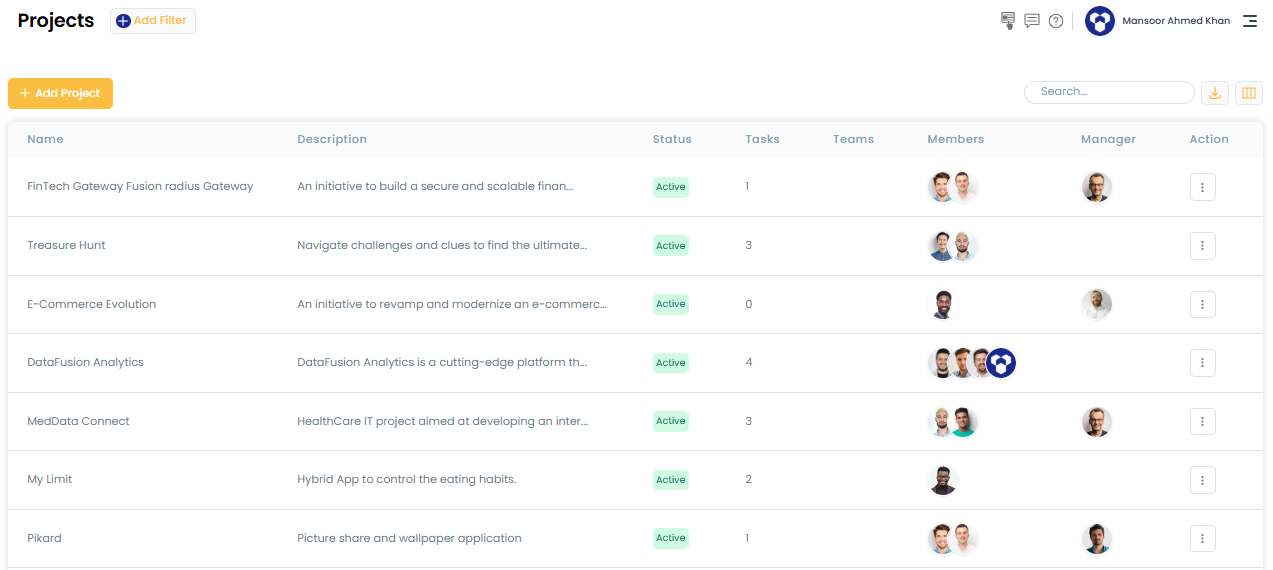
Steps to add a project:
- Go to the Project page from the main menu.
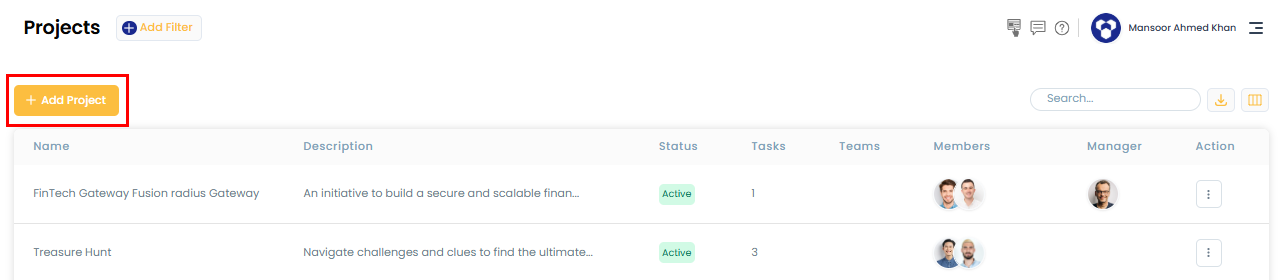
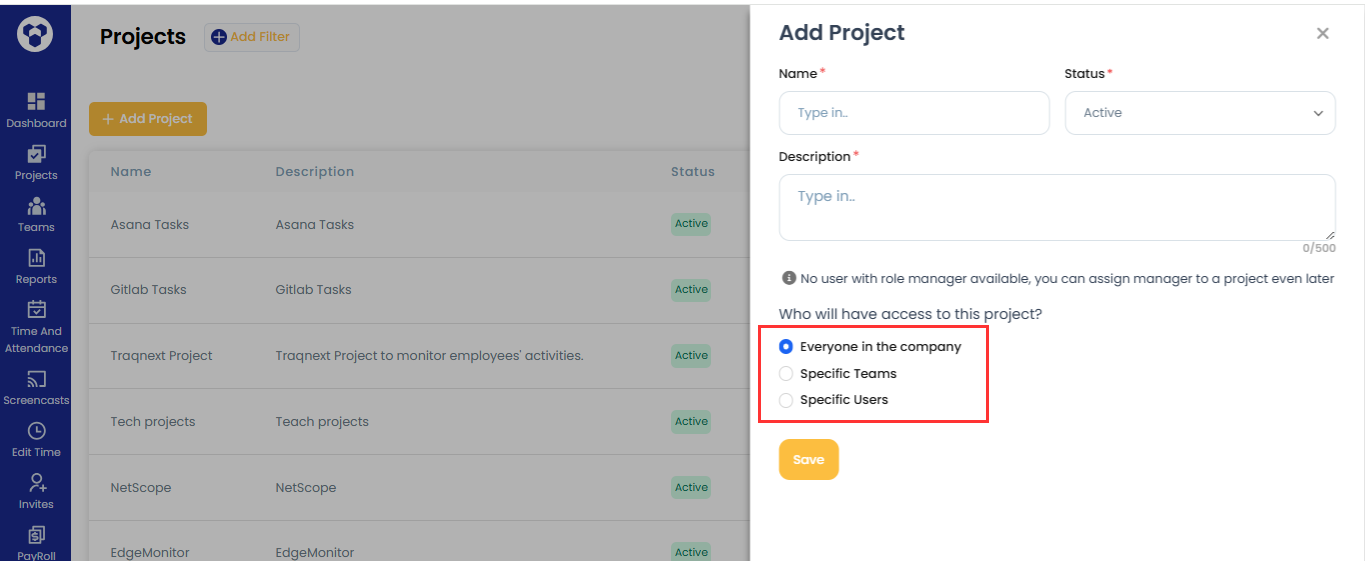
- Click Add Project — a slider screen opens where you enter the project name and other details.
- Choose who the project applies to:
- Everyone in the company — assigns the project to all active employees.
- Specific Teams — select one or more teams to assign the project to.
- Specific Users — select individual employees to assign the project to.
Who can create projects and tasks
By default, only Owners and Admins can create projects and tasks. Owners/Admins can extend this permission to Managers from Company Settings → Permissions. Once enabled, Managers can create projects and tasks too — but only for the employees or teams they manage.
Note: Managers can only edit projects they are managing, not projects created by others.
Related: How to edit the project · How to add a task