Reports
Project Progress
This report gives you a full statistical breakdown of a project — total time worked, total cost, project members, and overall productivity across the selected project and employee(s)/team(s). It also shows per-member details: time worked, manual time, idle time, productive time, productivity percentage, and fake time (if fake time monitoring is enabled by an Admin).
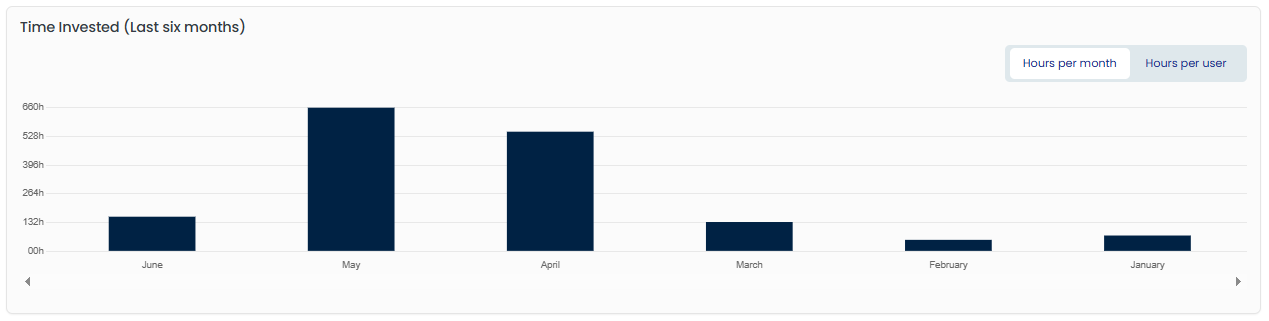
View project time in two ways:
- Hours per user — worked time per project member over the last six months.
- Hours per month — total worked time for each of the last six months.
How to use it:
- Go to the Project Progress page under Reports.
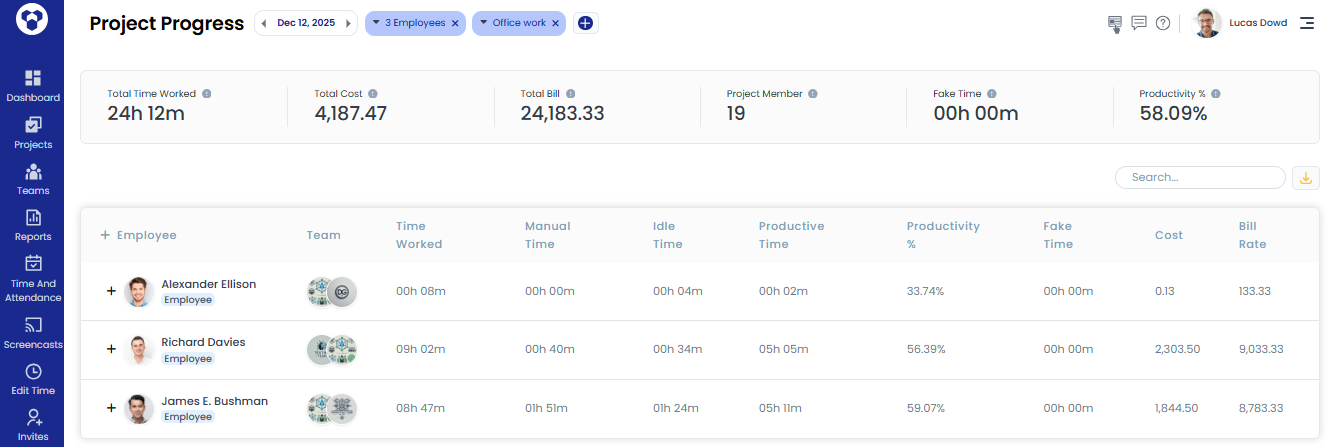
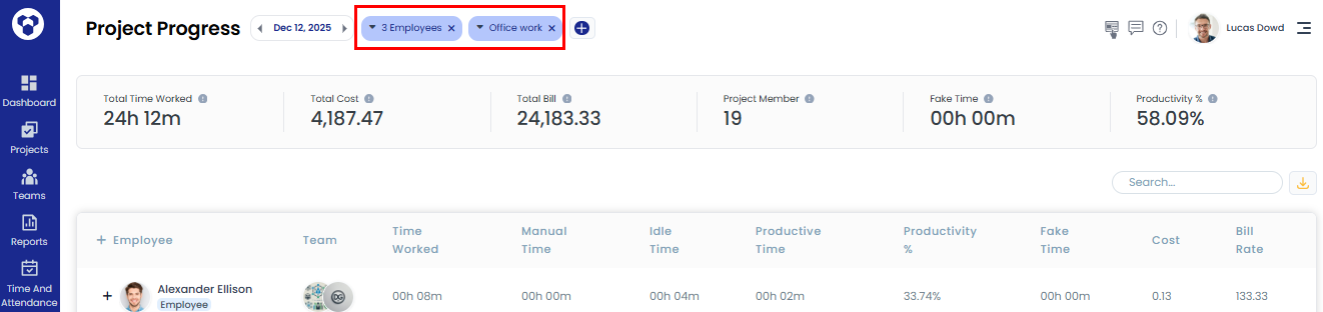
- Select a project and the employee(s)/team(s) you want to filter by to see relevant statistics.
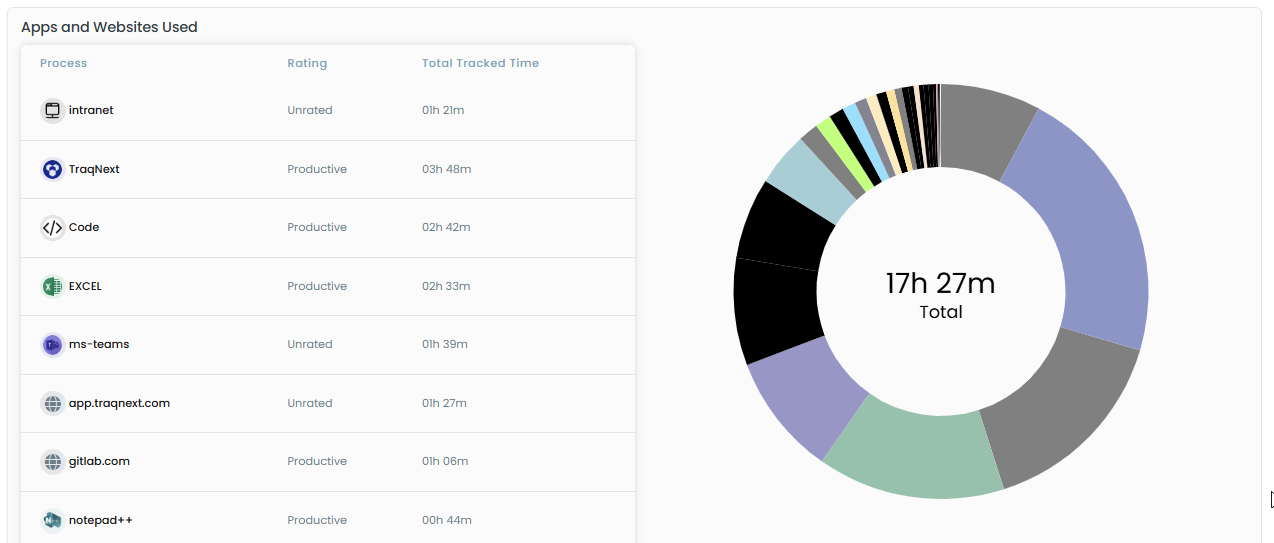
- Under Apps and Websites Used, review all the websites and applications used by employees or teams while working on that project.
Related: How to add a project · Default project