Team Management
How to Remove a Member from a Team
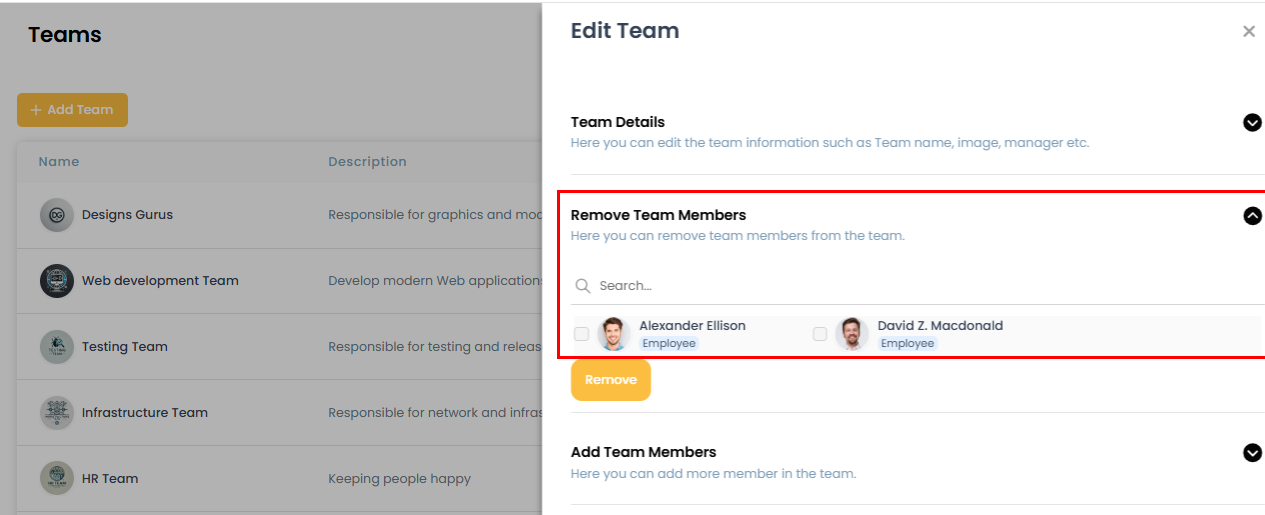
Team members can be removed from a team directly from the Edit Team screen.
Steps:
- Open the team and go to the Edit Team screen.
- Find the Team Member section.
- Select the user you want to remove and click the Remove button.
Related: How to edit your team · How to add a team