Organization Management
How to Change Time Zone?
TraqNext detects your time zone automatically, but you can adjust it manually if needed.
Steps:
Go to Company Settings.
Under Company Details, find the Time Zone dropdown.
Select the correct time zone.
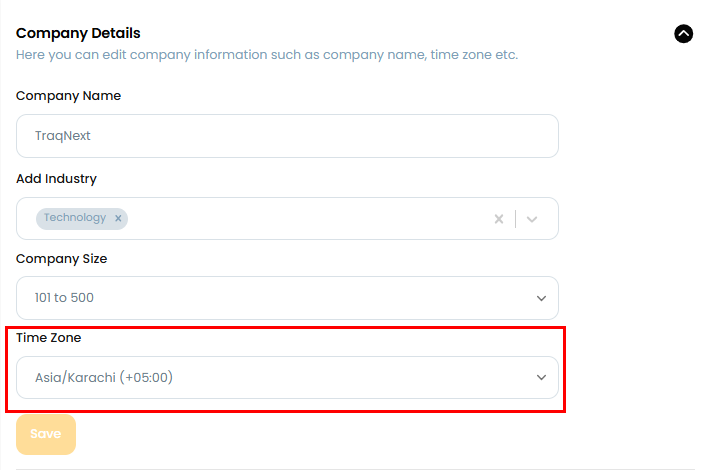
Important: Changing the time zone affects organization-wide reporting, scheduled reports, and timelines — so update it with awareness of how it may shift existing data views.
Related: Manage public holidays · Change organization name and information