Reports
Manual Time
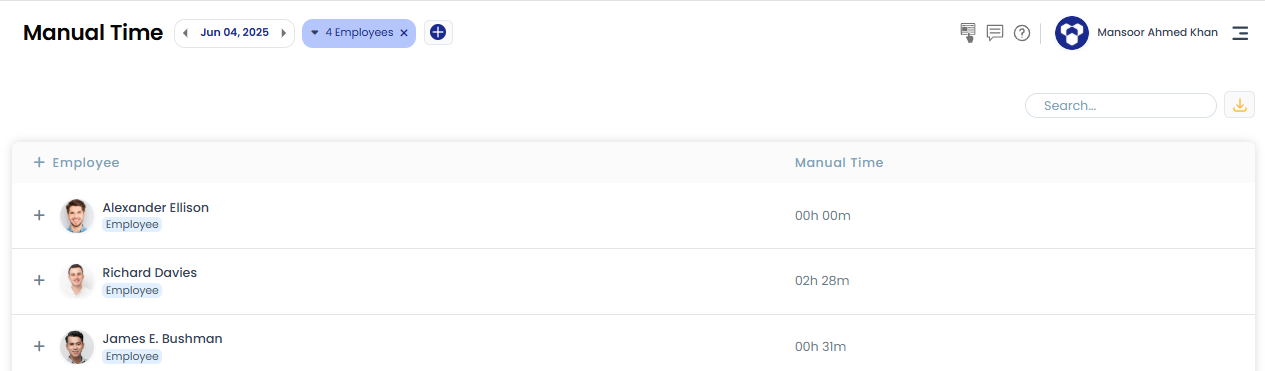
The Manual Time report shows the total manual time added by each employee — time entered either through the Edit Time page, or added by clicking "Yes, I was working" on the idle-time pop-up in the TraqNext desktop app.
How to view it:
- Go to the Manual Time report under the main Reports menu.
- The report lists total manual time for each selected employee.
- Click the "+" icon next to an employee's name to see their manual time broken down by day.
Related: How to add manual time · Idle time detection