Integrations
Asana Integration in TraqNext
Overview
TraqNext allows you to automatically sync projects and tasks from Asana, ensuring your team’s work stays organized in one place. This guide explains how to connect Asana with TraqNext and how to manage the integration.
Step 1: Open Integrations in TraqNext
- Log in to your TraqNext web app.
- Go to Integrations from the right-side menu.
- Click on Integrations.
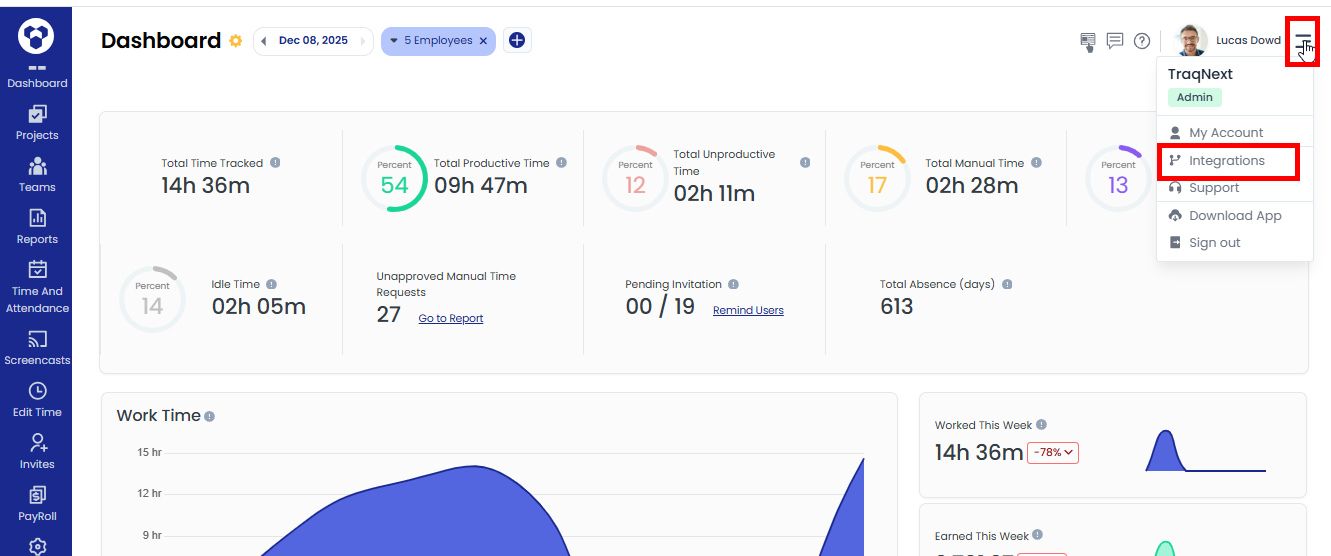
- You can see the list of available integrations.
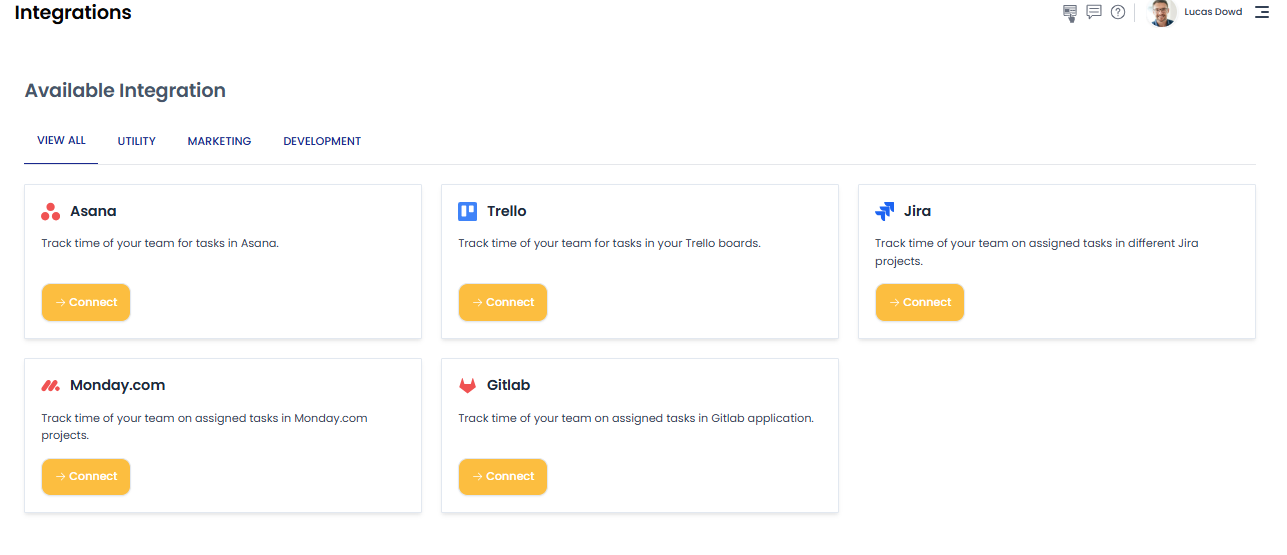
Step 2: Connect Your Asana Account
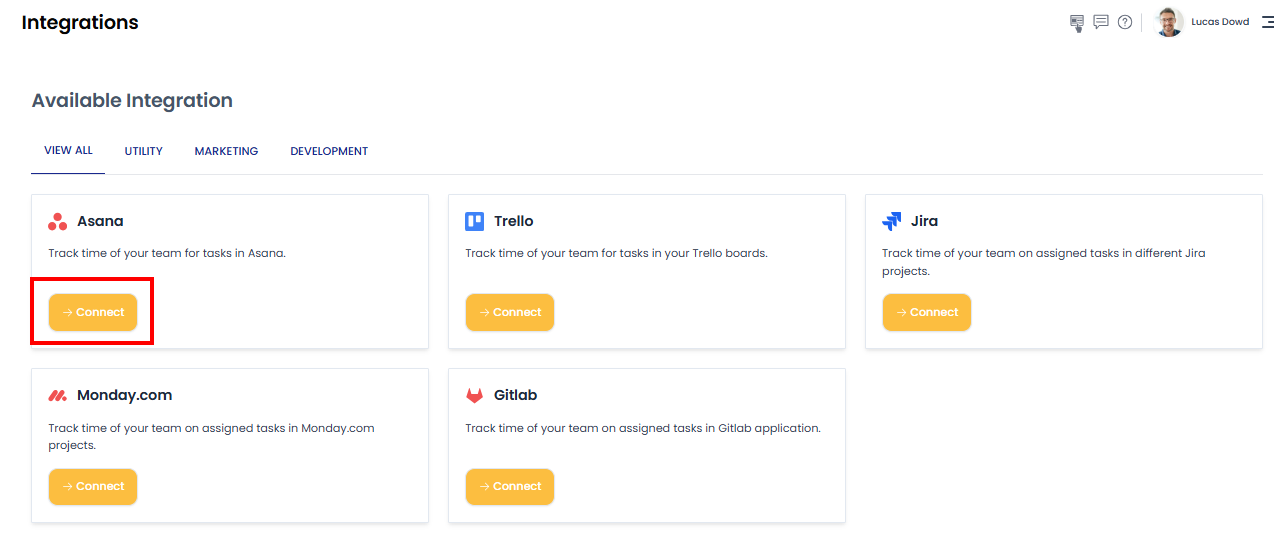
- Click on Connect button for Asana.
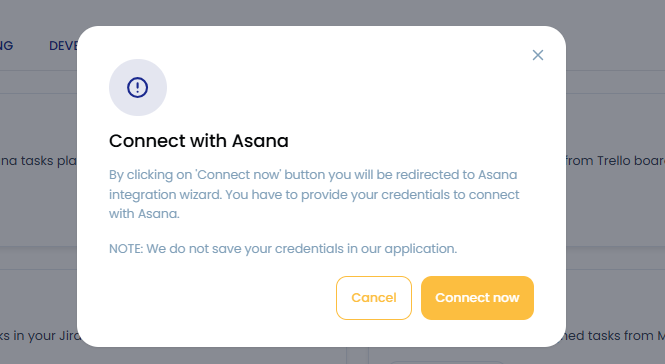
- A pop up will appear. Click on the Connect now button.
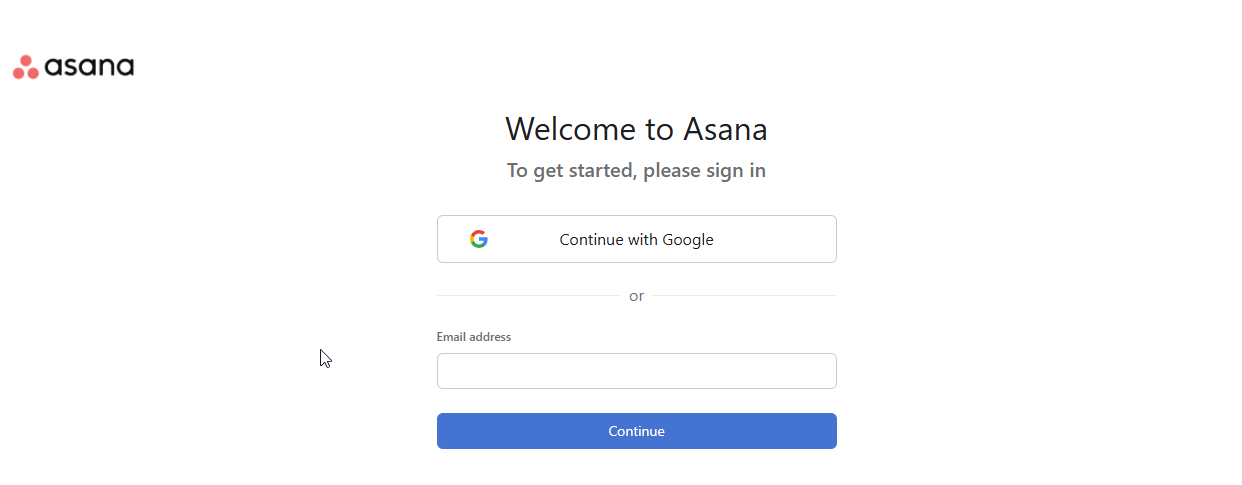
- A new window will open asking for Asana login.
- Sign in using your Asana credentials.
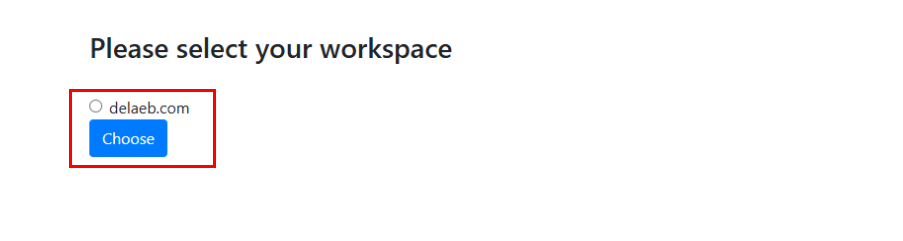
- Then, choose the Workspace you want to sync.
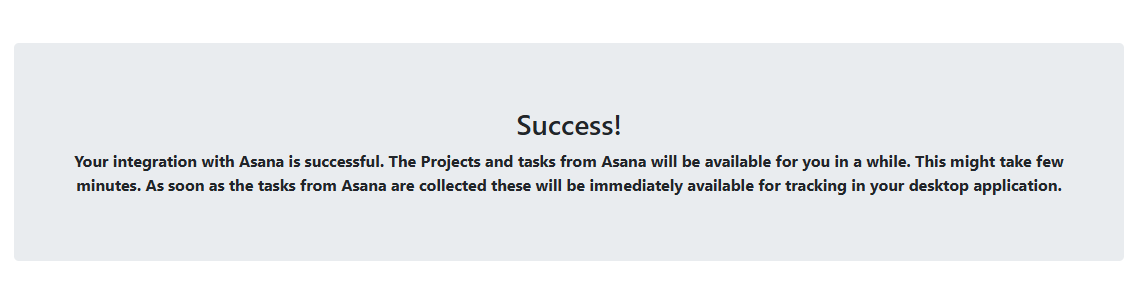
- After that, a success message will appear, and within a few moments the Asana tasks will start showing in the TraqNext desktop app.
Step 3: Task Visibility
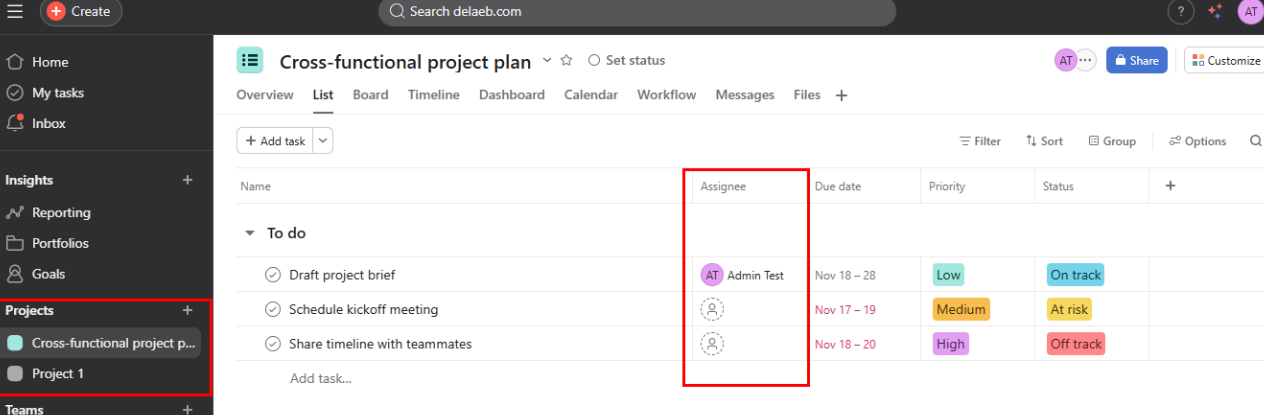
Only the tasks that are assigned to the user in Asana will be fetched and displayed in the TraqNext Desktop App for tracking.
Tasks that are not assigned to the user will not appear in TraqNext application.
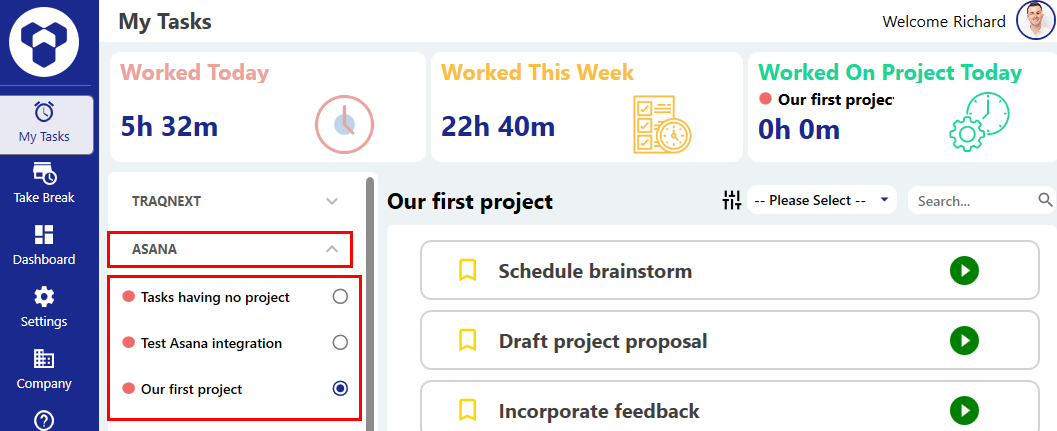
As you can see in the image, the project and tasks created here will be synced and appear in the TraqNext desktop app.
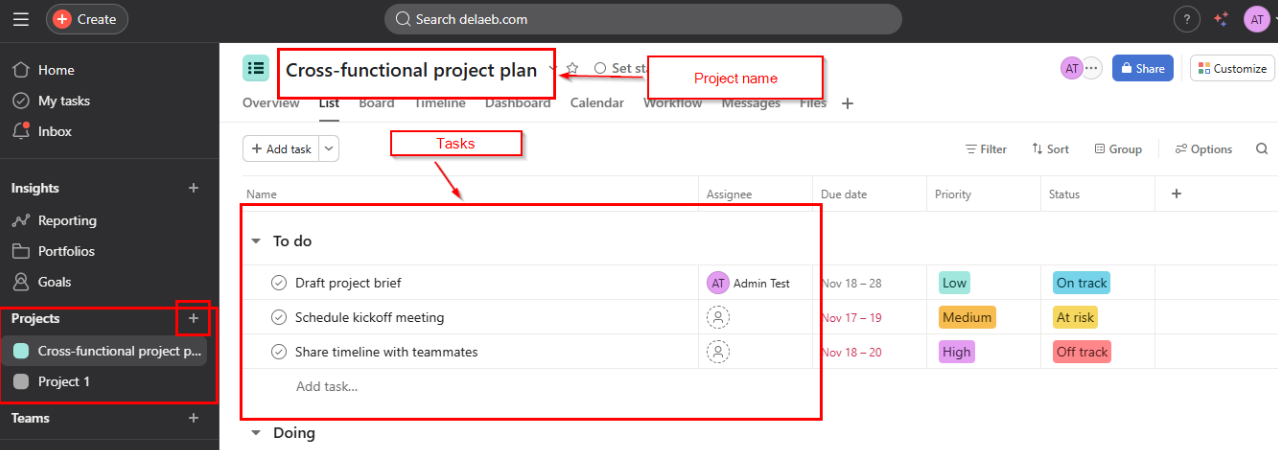
If a task is not assigned to a user, that task will not be visible to the user.
Once Asana tasks are synced and appear in the TraqNext app, you can track them here
Authentication Issues & Re-Connecting
Sometimes authentication may fail due to the tool provider’s policies. When this happens, TraqNext will send you a notification email informing you about the issue.
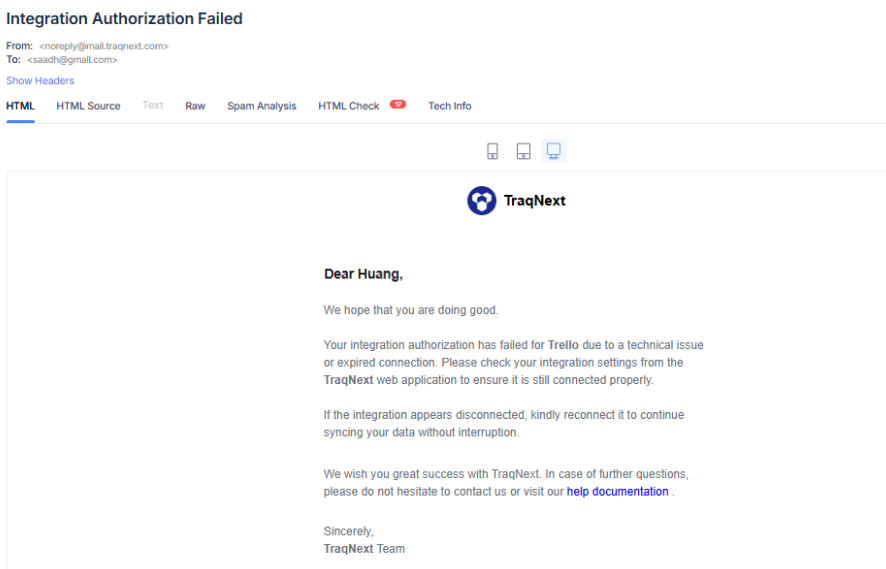
How to Fix it:
Simply click the Connect button again from the TraqNext Web App integration page and provide your credentials to restore the integration and fetch the latest data.