Reports
Work Time
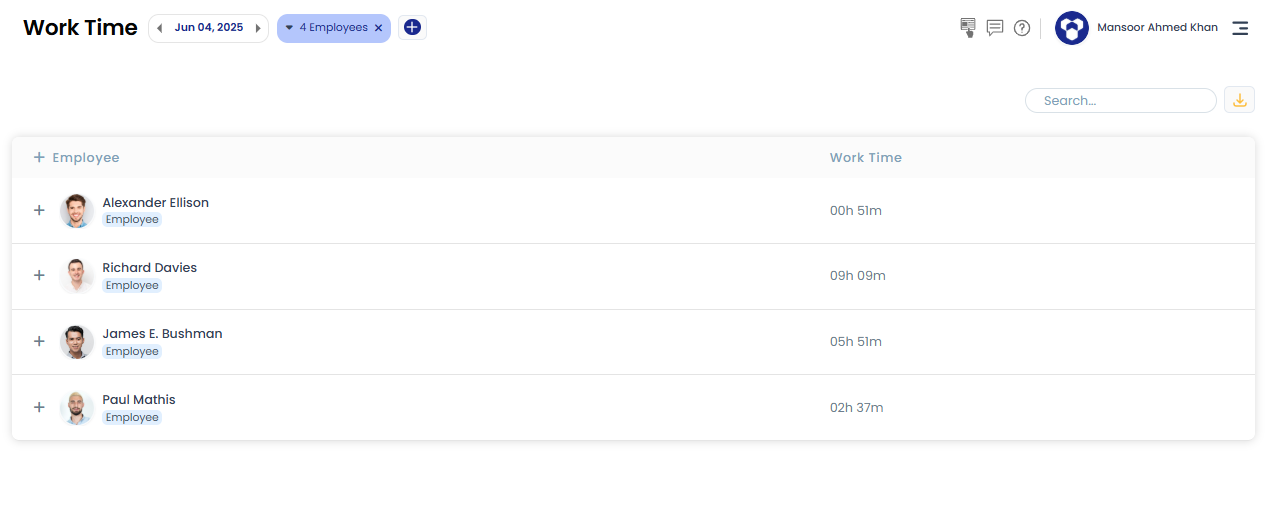
The Work Time report shows each employee's total work time for a selected date range, with a day-by-day breakdown available.
How to view it:
- Go to the Work Time report under the main Reports menu.
- The report lists total time worked by each selected employee. Click the "+" icon next to an employee's name to see their work time broken down by day.
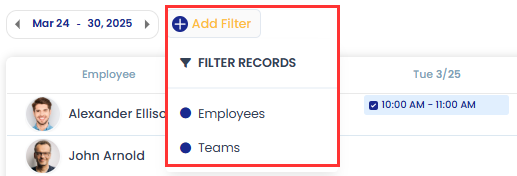
- Filter by employee(s), team(s), and date range to narrow down the results.
Related: Break time · Activity summary