FAQ
How can I Update my Personal Information?
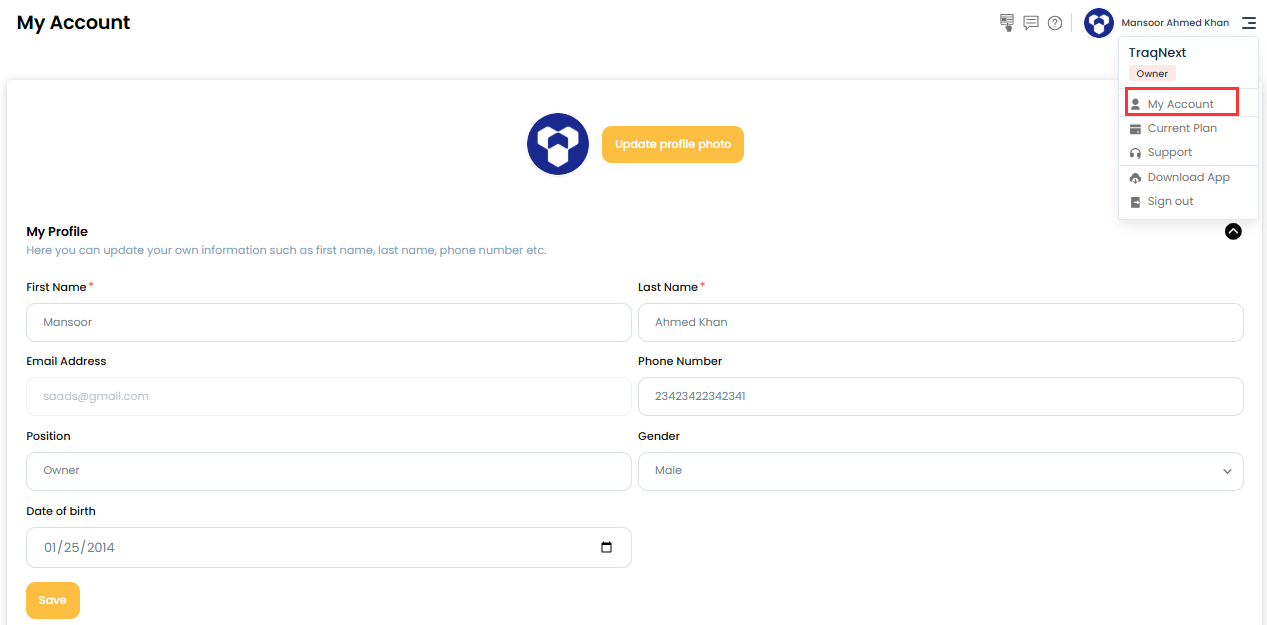
You can update your account details — like your name or contact information — directly from the TraqNext web application.
Steps:
Log in to the TraqNext web application, click your name in the top-right corner, and select My Account.
Under My Account, update any of the following:
• First and last name
• Phone number
• Address
Related: How to change your TraqNext account password · How can I recover my password