Reports
Idle Time
The Idle Time report shows each employee's total idle time for a selected date range. Idle time is logged when an employee is actively tracking time on their computer but has no keyboard or mouse activity for one minute or more.
How to view it:
Go to the Idle Time report under the main Reports menu.
The report lists total idle time for each selected employee. Click the "+" icon next to an employee's name to see their idle time broken down by day.
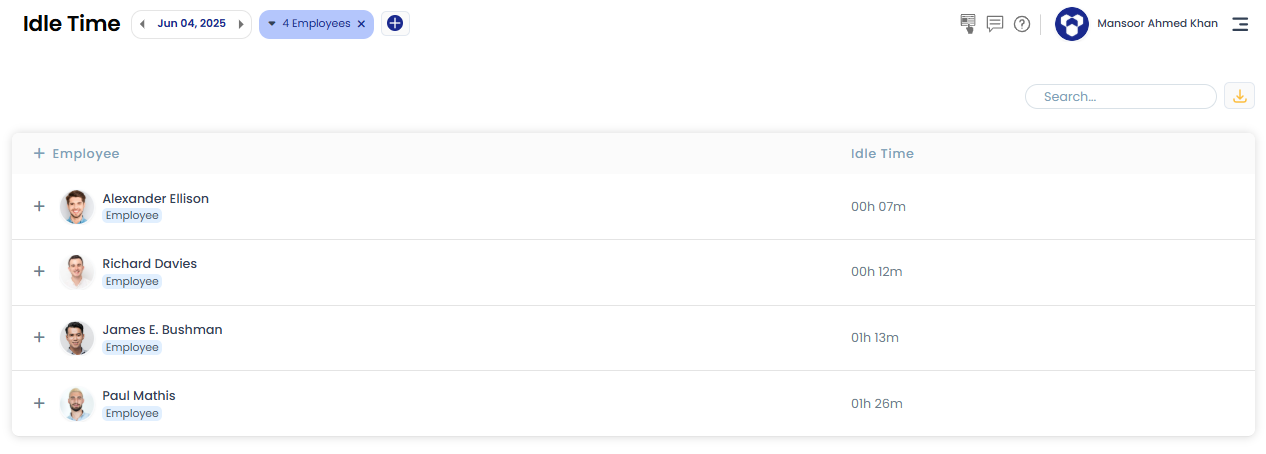
Filter by employee(s), team(s), and date range to narrow down the results.
Related: Idle time detection · Manual time